Send voice notes that turn into searchable text
Record a quick voice note in Fada and it is automatically transcribed in your team's languages, so the whole team can read and search it.
Published 15 June 2026 · 5 min read · Fada
Sometimes typing is the slow way to say something. You are between two meetings, your hands are full, or the idea is faster spoken than written — especially when it switches between your team's languages mid-sentence. A voice note lets you just say it and move on.
The catch with most voice notes is that they trap the message inside an audio clip. A week later, nobody remembers which recording held that one decision, and you are stuck replaying clips to find it. Fada fixes that: record a voice note like normal, and Fada writes it out as text you can read at a glance and find later with a search.
Record a voice note in seconds
You send a voice note straight from the message box at the bottom of any conversation — the same place you type.
Step 1 — Tap the microphone
At the right edge of the composer (the message box) there is a microphone button. Tap it, talk, and send. That is the whole flow: tap, talk, send.
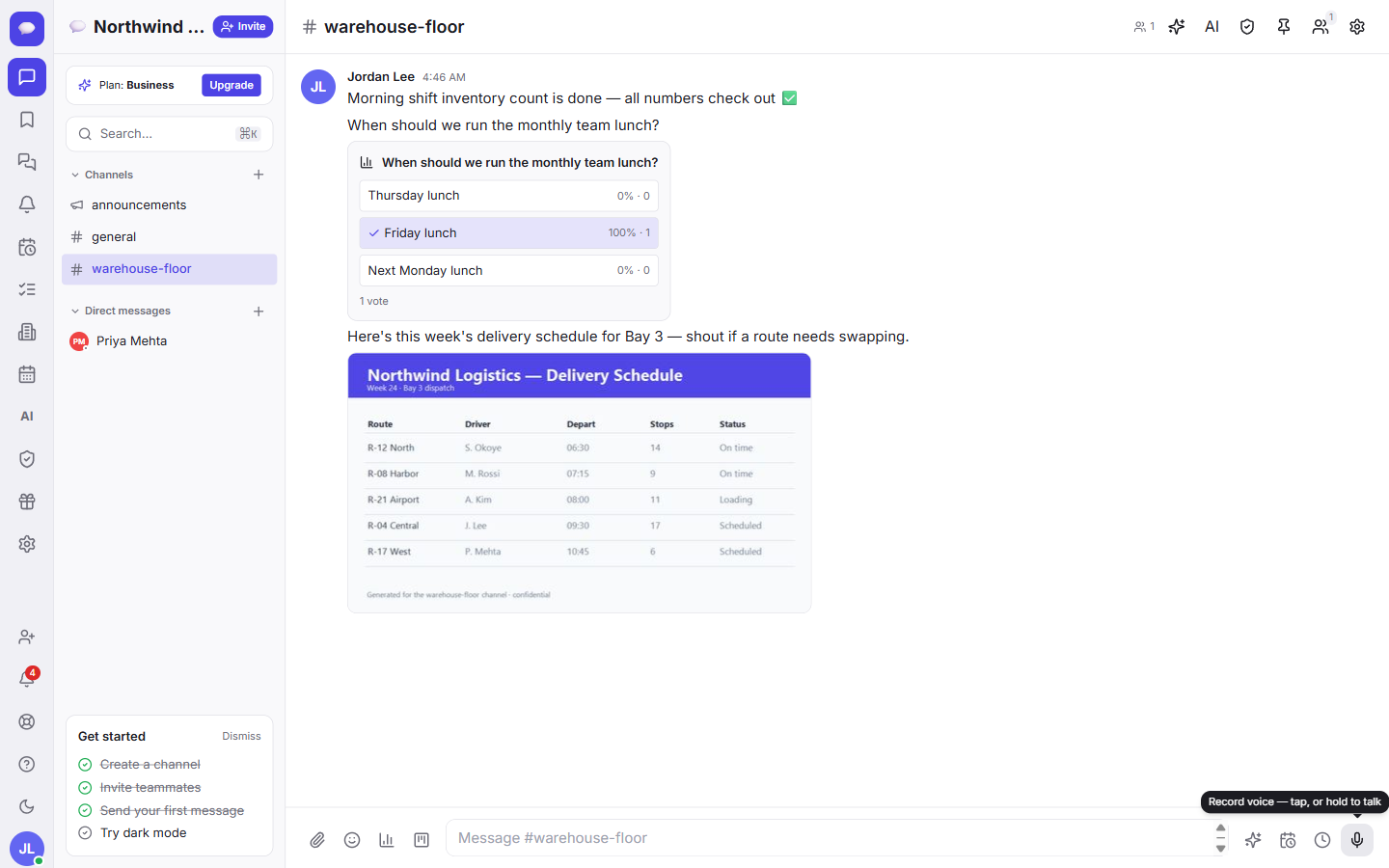
- Speak naturally — you can mix your team's languages in the same note.
- When you are done, send it like any other message.
Voice notes are free on every Fada plan, on phones and on the desktop. You do not need a paid plan just to record and send one.
Step 2 — It lands in the conversation like any message
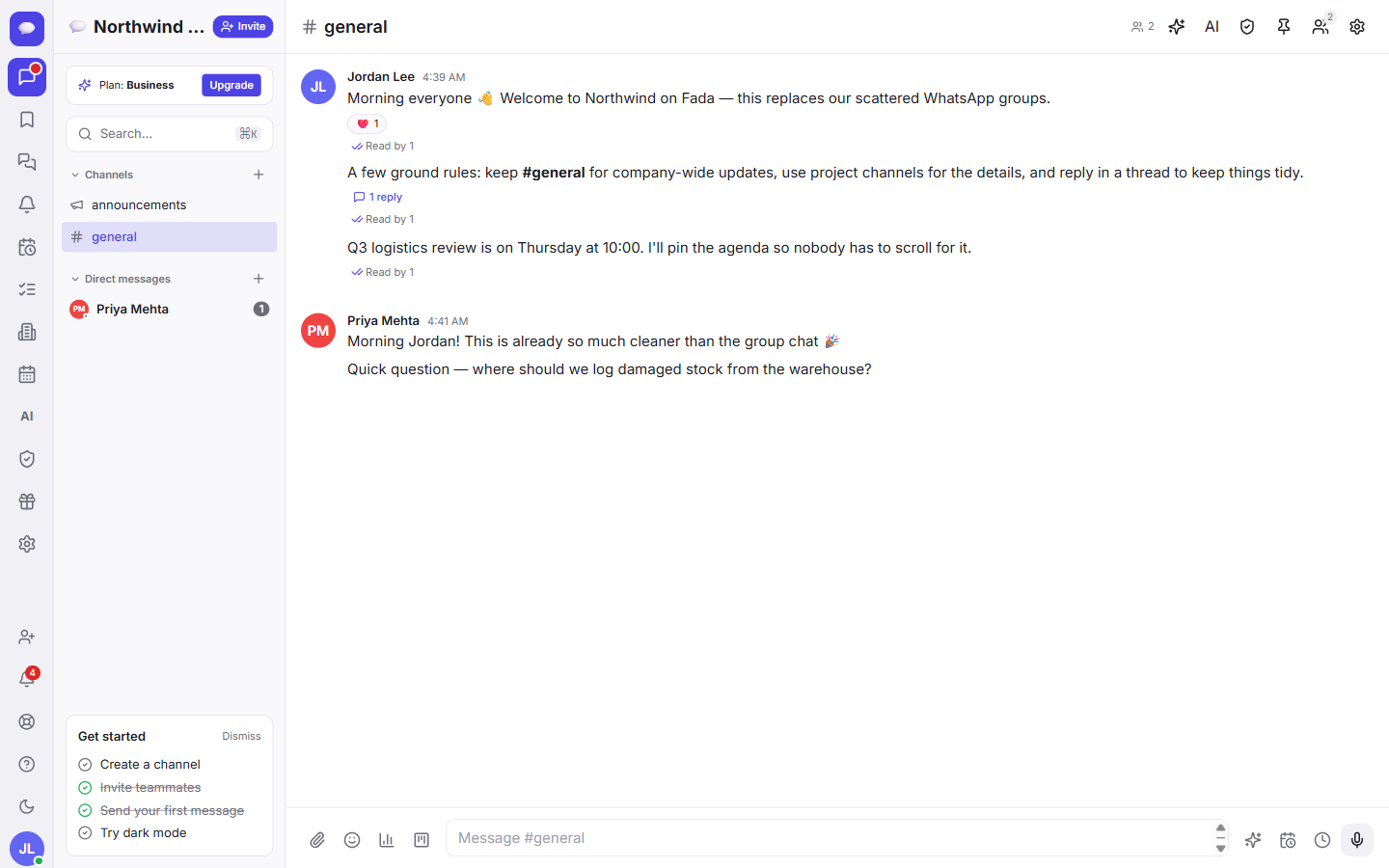
The voice note appears inline in the channel or direct message, in order, alongside the typed messages around it. Teammates can play it, reply in a thread, or react to it — exactly the way they would with a normal message. If threads and reactions are new to you, our guide on messages, threads and reactions walks through them.
The note becomes readable text
Here is the part that changes how voice notes actually work day to day.
On every plan, voice notes can be transcribed automatically in your team's languages. Fada turns the recording into written text right inside the conversation, so the people who would rather read than listen can simply read it. No copy-paste or separate tool.
That matters for a team that mixes languages all day. Most transcription tools assume one language per clip and stumble when someone slides from one language into another. Fada is built for exactly that mix — it is one of the features we made specifically for multilingual teams, alongside full multilingual across the whole app.
Why text beats audio for the team
- People read faster than they listen. A ten-second clip is quicker to skim as a line of text than to play back.
- It works in quiet places. A teammate on a noisy bus or in a silent meeting can read the note without headphones.
- Nothing gets lost in translation. When the transcript is right there in three languages, fewer messages get misunderstood or ignored.
The real payoff: you can search what was said
Because the transcript is plain text, a voice note becomes part of your searchable history. That is the quiet superpower here.
Say a colleague recorded a quick note three weeks ago — "let us push the launch to Thursday and tell the supplier." You do not have to remember which clip it was or replay a string of recordings to find it. You just search for a word you remember, like the supplier's name or "Thursday," and the spoken decision comes straight back as text.
To find it, open search and type what you remember. Our walkthrough of search and the command palette shows the fastest ways to jump to anything in your workspace. A spoken decision is now as findable as a typed one — that is the whole point of turning voice into text.
What is included
Free includes 300 transcription minutes per month, while Business includes 900 minutes per month. The allowance is pooled across the whole account, so everyone can turn voice notes into searchable text without per-person billing.
Recording, sending and transcribing voice notes are available on every plan; only the pooled monthly allowance changes.
A few things worth knowing
- Business is one flat price for the whole team, not a charge per person — so adding teammates who send voice notes does not raise your bill.
- You can start free with no credit card and use up to 300 pooled transcription minutes each month.
- Fada can be self-hosted, so a team that needs its recordings and transcripts to stay on its own servers can keep them there.
- Background alerts use standard web push, so you get notified of new voice notes without installing anything from an app store.
If you live in your inbox of voice clips today, this is the upgrade: keep the speed of talking, gain the searchability of text. Pair it with the AI assistant and your team can even ask questions across everything that was said and written.
Ready to try it? Start a free Fada workspace, send your first voice note, and see it turn into text the whole team can read and search.
Bring your team together on Fada
Create your workspaceKeep reading
How to turn voice notes into searchable text
Send a voice note in Fada and it is transcribed automatically in the language your team uses — the transcript appears with the message and becomes searchable.
Connect WhatsApp to Fada: get customer messages in your team inbox
A step-by-step guide to linking your WhatsApp Business number to Fada with the official Cloud API — so customer messages land in your team inbox and everyone replies from one place. Includes every setting, link, and the gotchas that trip people up.